

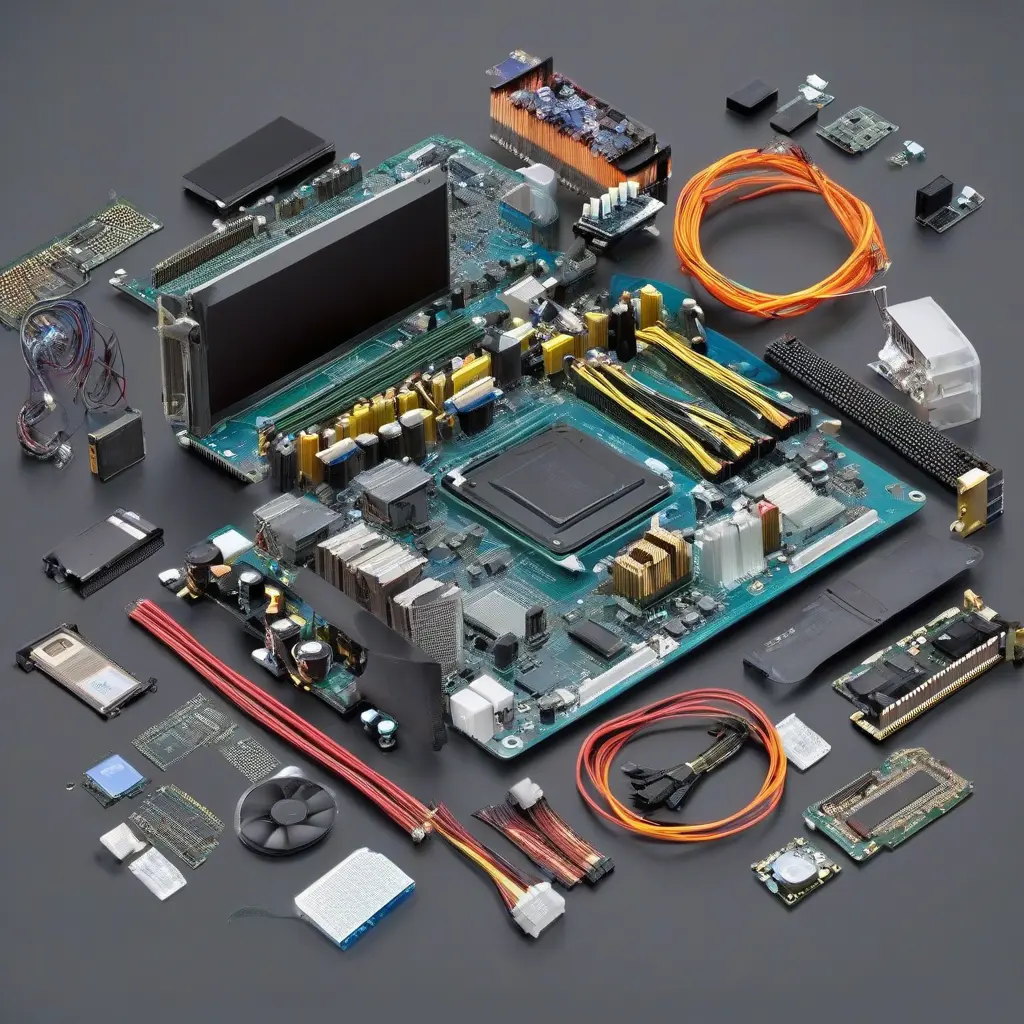
Understanding the core components of a computer is vital for anyone looking to build, upgrade, or simply understand their device better. From the central processing unit (CPU) to storage solutions like SSDs and HDDs, each part plays a specific role in the computer’s operation. This comprehensive guide will break down these essential components, providing clarity on their functions, significance, and how they interact within your system. Whether you’re a beginner or looking to refresh your knowledge, this article will help you navigate the complexities of computer hardware.
Central Processing Unit (CPU)
The central processing unit (CPU) is often referred to as the brain of the computer. It carries out instructions from programs by performing basic arithmetic, logic, control, and input/output operations. The performance of a CPU is largely dependent on its clock speed, number of cores, and architecture. Modern CPUs can handle multiple threads, allowing for better multitasking and efficient performance across various applications. Choosing the right CPU is crucial for any build, impacting everything from gaming performance to productivity tasks.
Motherboard
The motherboard serves as the main circuit board in a computer, acting as a communication hub for all components. It connects the CPU, memory, storage devices, and peripheral devices, ensuring they work together efficiently. Different motherboards come with varying features, including support for different CPU types, RAM configurations, and expansion slots. When selecting a motherboard, compatibility with other components and the desired future upgrades should be paramount considerations, making it a fundamental choice for any computer system.
Random Access Memory (RAM)
Random Access Memory (RAM) is a type of volatile memory that provides space for your computer to read and write data to be accessed quickly. Essentially, it temporarily holds the data and programs that the CPU needs while performing tasks. The amount of RAM directly affects a system’s speed and multitasking capability; generally, more RAM allows for smoother operations when running multiple applications simultaneously. Upgrading RAM is one of the simplest ways to enhance system performance, making it a key component in any user’s setup.
Storage Options: SSD vs. HDD
Storage drives are critical for any computer, influencing speed and storage capacity. Hard Disk Drives (HDD) are traditional storage devices that offer large capacities at a lower price but are slower than Solid State Drives (SSD). SSDs, on the other hand, use flash memory to provide faster read and write speeds, decreasing boot time and loading times for applications. Choosing between SSD and HDD will depend on your specific needs; SSDs are excellent for performance, while HDDs are favorable for large storage at a more economical cost.
Graphics Processing Unit (GPU)
The Graphics Processing Unit (GPU) is responsible for rendering images and video, making it essential for gaming, graphic design, and any visual-related tasks. High-performance GPUs can accelerate graphics-intensive processes, allowing for smooth gameplay and high-fidelity graphics. Integrated GPUs come built into CPUs, suitable for everyday tasks and light gaming. However, dedicated GPUs are preferred by gamers and professionals who require superior performance. When upgrading or building a system, selecting an appropriate GPU can significantly impact overall user experience.
Power Supply Unit (PSU)
The Power Supply Unit (PSU) converts electricity from an outlet into usable power for the computer’s components. It provides stable power at the necessary voltages for operational efficiency. An adequate PSU is essential for maintaining system stability, particularly when using high-performance components such as powerful GPUs or many peripherals. The wattage rating of a PSU should meet or exceed the total wattage requirements of connected components to ensure reliability and prevent potential electrical issues or system failures.
Cooling Systems
Cooling systems are crucial for maintaining optimal operating temperatures within a computer, particularly for high-performance builds that produce significant heat. These systems can range from air cooling solutions, which use fans and heat sinks, to liquid cooling systems that circulate coolant to dissipate heat more effectively. A well-designed cooling system prevents overheating, prolonging the lifespan of components and ensuring consistent performance. As performance demands increase, investing in an adequate cooling solution becomes essential for enthusiasts and professionals alike.
Computer Cases
The computer case houses all internal components, providing a structure for organization and protection. Cases come in various sizes and designs, affecting airflow, aesthetics, and expansion capabilities. Proper airflow is vital for keeping components cool; thus, selecting a case that allows for efficient airflow is important. Additional features like cable management and space for additional fans should also be considered. Ultimately, the right case can enhance both the performance and appearance of a computer build.
Input and Output Devices
Input and output devices enhance user interaction with the computer. Input devices like keyboards and mice facilitate command entry, while output devices such as monitors and printers produce results. Choosing quality input and output devices can significantly affect user experience; a responsive keyboard or high-resolution monitor can enhance productivity and enjoyment. Different devices cater to various needs, including gaming, professional work, or casual use. Ensuring compatibility and ergonomics in selecting these devices promotes a more efficient and comfortable computing experience.
Conclusion
Understanding essential computer components is vital for anyone dealing with technology today. Each part plays a distinct role, affecting overall performance and functionality. By selecting and integrating these components wisely, users can build a system tailored to specific needs, whether for gaming, multimedia, or professional tasks. As technology continues to evolve, staying informed about these essential elements will empower users to make better decisions when upgrading or building their computers.







