

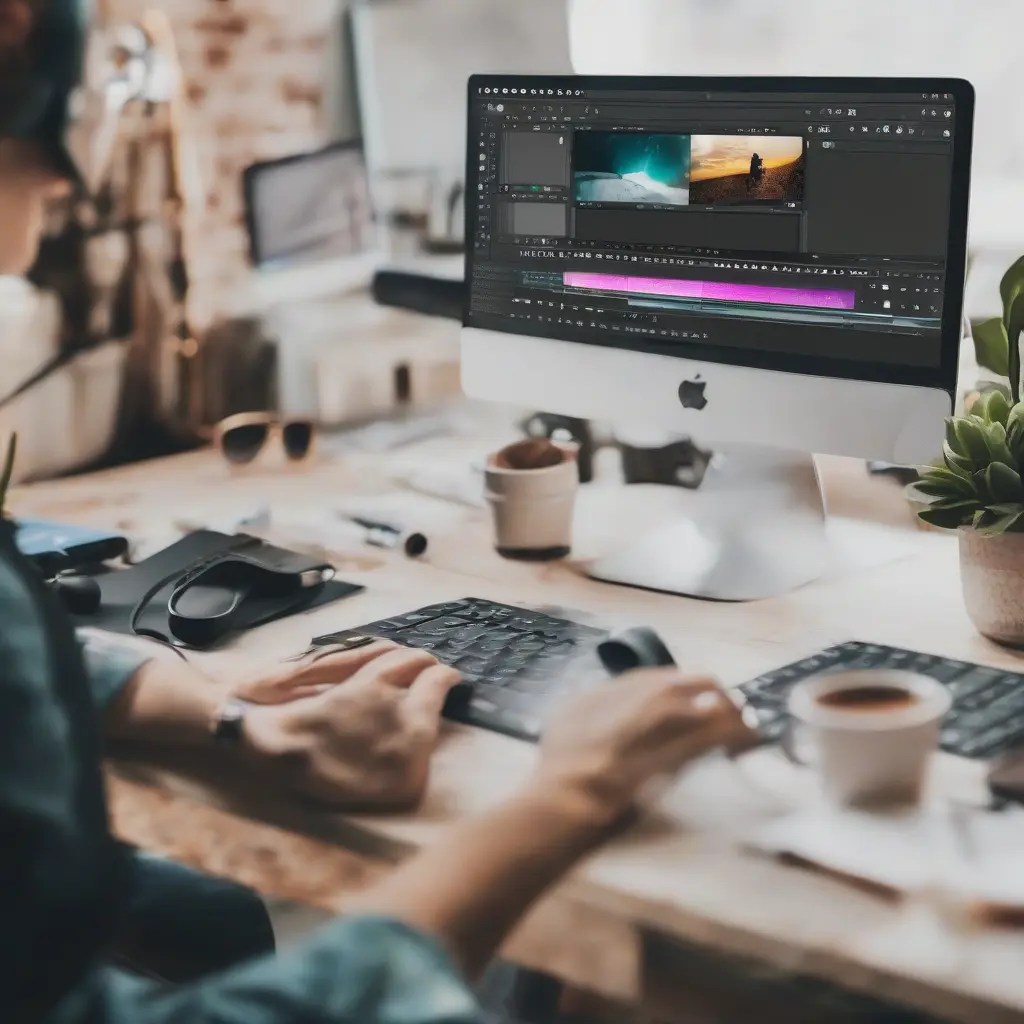
In today’s digital era, video content is becoming increasingly important for anyone looking to engage their audience, whether for personal projects or professional purposes. This comprehensive guide focuses on video editing tools that are perfect for beginners, simplifying the process of creating high-quality videos. From user-friendly software to mobile apps, various tools cater to different skill levels and preferences. By the end of this guide, you’ll have a better understanding of the best video editing tools available, enabling you to enhance your video projects effectively.
Understanding Video Editing Basics
Before diving into specific tools, it’s crucial to understand the basic concepts of video editing. At its core, video editing involves manipulating and arranging video footage to create a cohesive story or message. Familiarizing yourself with terms such as ‘cutting,’ ‘trimming,’ and ‘transitions’ will help you navigate the editing process. Knowing the difference between non-linear and linear editing can also be beneficial. Non-linear editing allows for more flexibility in making cuts and adjustments, while linear editing is a more straightforward approach, typically used in older systems.
Top Free Video Editing Software for Beginners
When starting your video editing journey, free software options can provide an excellent foundation without any financial commitment. Tools like Shotcut, DaVinci Resolve, and Lightworks offer robust features, making them ideal for beginners. Shotcut supports a wide range of file formats and includes a user-friendly interface that makes it easy to grasp the editing essentials. DaVinci Resolve is known for its color correction tools, while Lightworks provides a professional-grade platform with a gentle learning curve. These tools allow you to experiment with video editing without the pressure of cost.
User-Friendly Video Editing Apps for Mobile
For those on-the-go, mobile video editing apps offer an intuitive way to create and edit videos directly from your smartphone or tablet. Applications like iMovie, KineMaster, and InShot are particularly popular for beginners. iMovie simplifies the editing process with its drag-and-drop interface, perfect for quick edits. KineMaster provides a more advanced feature set, allowing for multi-layer editing and precise control. InShot focuses on enhancing video quality and social media sharing, making it a top choice for content creators looking to publish on platforms like Instagram and TikTok.
Features to Look for in Video Editing Tools
When choosing a video editing tool, certain features can significantly enhance your editing experience. Look for software that offers a user-friendly interface, as this will ease the learning curve. Basic features such as trimming, cutting, and merging clips are essential. Advanced options like color grading, audio editing, and template support can also elevate your projects. Additionally, effective support resources like tutorials and community forums can provide valuable guidance and help troubleshoot any challenges you may face. Having these features will ensure you can navigate the editing process more effectively.
Learning Resources for Video Editing
The learning process can be greatly facilitated by utilizing available resources. Websites such as YouTube offer countless video tutorials covering various editing techniques, from basic to advanced. Online platforms like Udemy and Skillshare provide specialized courses tailored for beginners, which can help you build a solid foundation in video editing quickly. Additionally, engaging with community forums and social media groups dedicated to video editing can provide practical tips and support from fellow enthusiasts. Taking advantage of these resources will enhance your skills and confidence.
Common Mistakes to Avoid as a Beginner Editor
As a beginner, it’s easy to make common mistakes that can hinder your editing progress. One prevalent issue is over-editing, where excessive transitions, effects, or filters can overwhelm your audience and distract from your content. It’s crucial to maintain a balance and use effects judiciously. Another mistake is neglecting audio quality, which can significantly impact viewer engagement. Always invest time in syncing audio, adjusting levels, and eliminating background noise. Finally, not saving your project regularly can lead to data loss, so make it a habit to save at each significant step.
The Future of Video Editing Technology
The field of video editing is continuously evolving as technology advances. Emerging trends indicate a shift towards AI-powered editing tools that automate routine tasks, making the editing process more efficient. Additionally, virtual reality (VR) and augmented reality (AR) are changing how we create and experience video content, offering immersive storytelling opportunities. As these technologies develop, beginner editors should stay informed and adaptable, understanding how these advancements can help enhance their video projects. Embracing new tools will be essential for remaining relevant in the dynamic landscape of video editing.
Conclusion
Embarking on your video editing journey can be an exciting yet challenging experience. By exploring the tools and resources outlined in this guide, you’ll be well-equipped to create engaging and professional-grade videos. Whether you choose free desktop software or mobile editing apps, focusing on essential features and educational resources will enhance your skills over time. Remember, mastering video editing takes practice, so be patient with your progress, and don’t hesitate to seek help from the community. With dedication and the right tools at your disposal, you can unlock your potential as a skilled video editor.







