

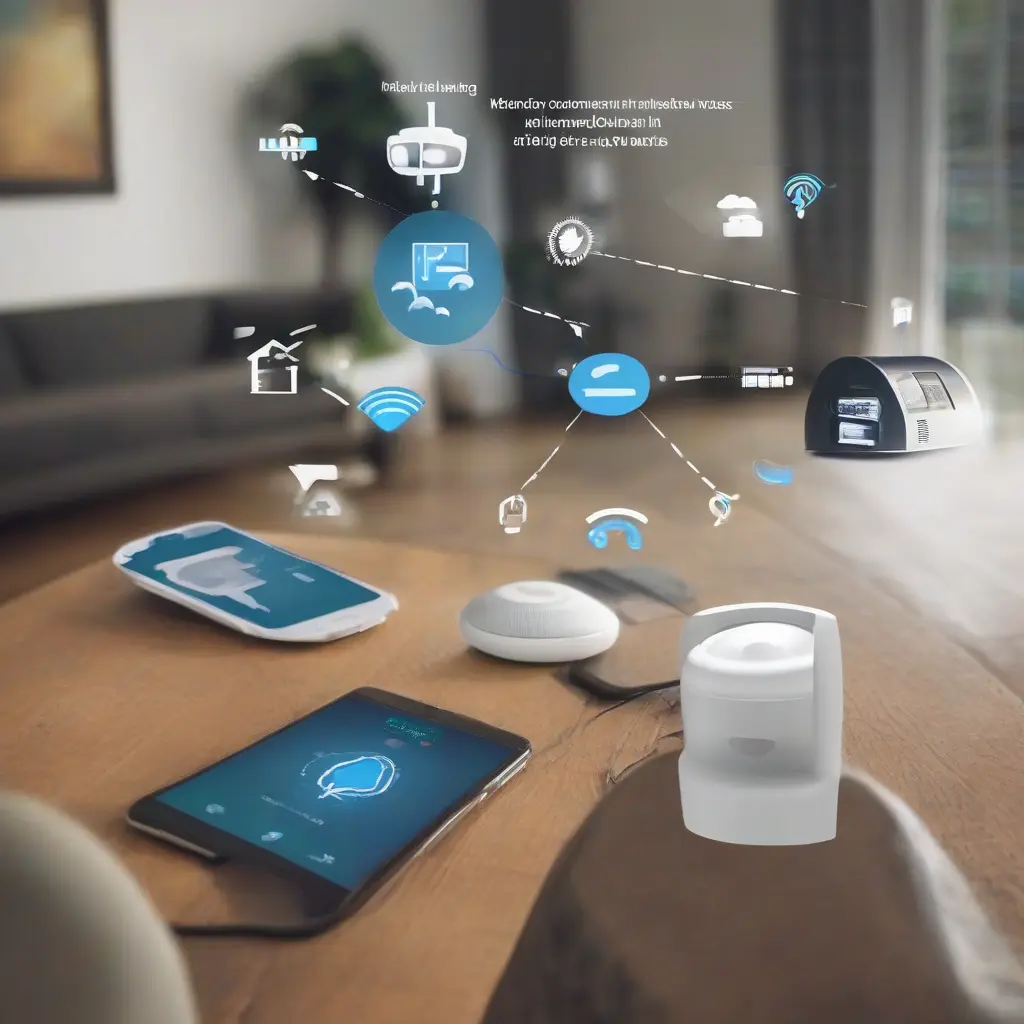
As smart home technology becomes increasingly popular in Indian households, issues can occasionally arise, affecting the performance and user experience of devices. Understanding how to troubleshoot these common problems can significantly enhance the smart home experience. This article aims to guide you through various typical issues, such as connectivity problems, device compatibility, and smart assistant challenges, along with practical solutions to resolve them. Whether you’re a tech enthusiast or new to smart home devices, these troubleshooting tips will help you create a more efficient and enjoyable home environment.
Connectivity Issues with Smart Home Devices
One of the most prevalent issues faced by users of smart home devices is connectivity. Often, devices may disconnect from Wi-Fi or have trouble connecting initially due to weak signal strength or interference. It’s essential to ensure that the device is within range of the router and that the Wi-Fi signal is stable. Additionally, trying to reboot the router or resetting the device can resolve temporary connectivity issues. Regularly updating the firmware of your devices can also improve connectivity and overall performance.
Device Compatibility Challenges
In the diverse landscape of smart home technology, compatibility can be a significant hurdle. Many devices adhere to different protocols, such as Zigbee, Z-Wave, or Wi-Fi, which might not communicate with each other effectively. Before purchasing new devices, it’s crucial to check whether they are compatible with your existing smart home ecosystem. Utilizing a central hub that supports multiple protocols can often solve compatibility issues, allowing for seamless integration of diverse devices.
Smart Assistant Activation Problems
Smart assistants like Google Assistant or Amazon Alexa are central to many smart home setups, but users may encounter activation problems. If your voice commands are frequently unrecognized or devices fail to respond, check the microphone settings on your smart assistant devices. Ensuring that these devices are updated and in a location free from obstructions can also enhance performance. Additionally, verifying that your voice recognition settings are correctly configured can help eliminate activation issues.
Troubleshooting Smart Lights
Smart lighting systems can sometimes have issues with connectivity or responsiveness. If your smart lights are not turning on or off as expected, first ensure that they are connected to the correct network. Power cycling the bulbs and resetting them according to the manufacturer’s instructions can often resolve these issues. Moreover, integrating smart lighting with a compatible smart home hub can streamline their functionality and enable greater control over your lighting preferences.
Issues with Smart Thermostats
Smart thermostats are designed to enhance energy efficiency, but users may face challenges with incorrect temperature readings or scheduling issues. If your thermostat is not functioning properly, ensure that it is accurately calibrated and check for updates in the app related to its performance. Additionally, if it’s not syncing with your HVAC system, consulting the installation manual for troubleshooting steps can provide insights on resetting or recalibrating the device.
Camera and Security Device Troubles
Security devices like smart cameras can experience various issues such as real-time video lag or can fail to send alerts. In many cases, these problems relate to network issues or insufficient bandwidth. Ensuring that your internet connection is robust, and maintaining the camera’s firmware can enhance performance. Also, checking the placement of the cameras to minimize obstructions can significantly improve their reliability and effectiveness in security monitoring.
Smart Locks and Access Issues
Smart locks provide convenience but can present access issues if not managed properly. For instance, if a smart lock fails to recognize the code or biometrics, it may need a firmware update or a check on battery levels. Users should also ensure that the lock is properly installed and aligned with the door frame. Regularly reviewing the app settings for accessibility options and managing access permissions can help mitigate problems linked to access.
Firmware and Software Update Issues
Keeping smart home devices updated is vital for security and performance. However, sometimes users encounter difficulties during the update process, leading to non-responsive devices. Ensuring that updates are performed over a stable Wi-Fi connection can help reduce interruptions. If issues persist, rebooting the device and checking for manual updates through the application can often resolve these problems, ensuring that your devices have the latest features and security enhancements.
Battery and Power Issues
Many smart home devices rely on battery power or external plugs, which can lead to issues if not regularly monitored. If devices unexpectedly stop working, checking the battery levels or power connections is crucial. Moreover, setting reminders to replace batteries in wireless devices can prevent unexpected downtime. For plugged-in devices, ensuring that the outlet is functional and checking for any power surge issues can help maintain their operational efficiency.
Final Thoughts on Troubleshooting Smart Home Devices
Troubleshooting common issues with smart home devices can significantly enhance user experience and functionality. By understanding the typical challenges that arise with these technologies, users can implement effective solutions and maintain a more efficient and automated home environment. Whether dealing with connectivity concerns or device compatibility, a proactive approach can help you leverage the full potential of your smart home setup, ensuring a seamless journey in home automation.







