

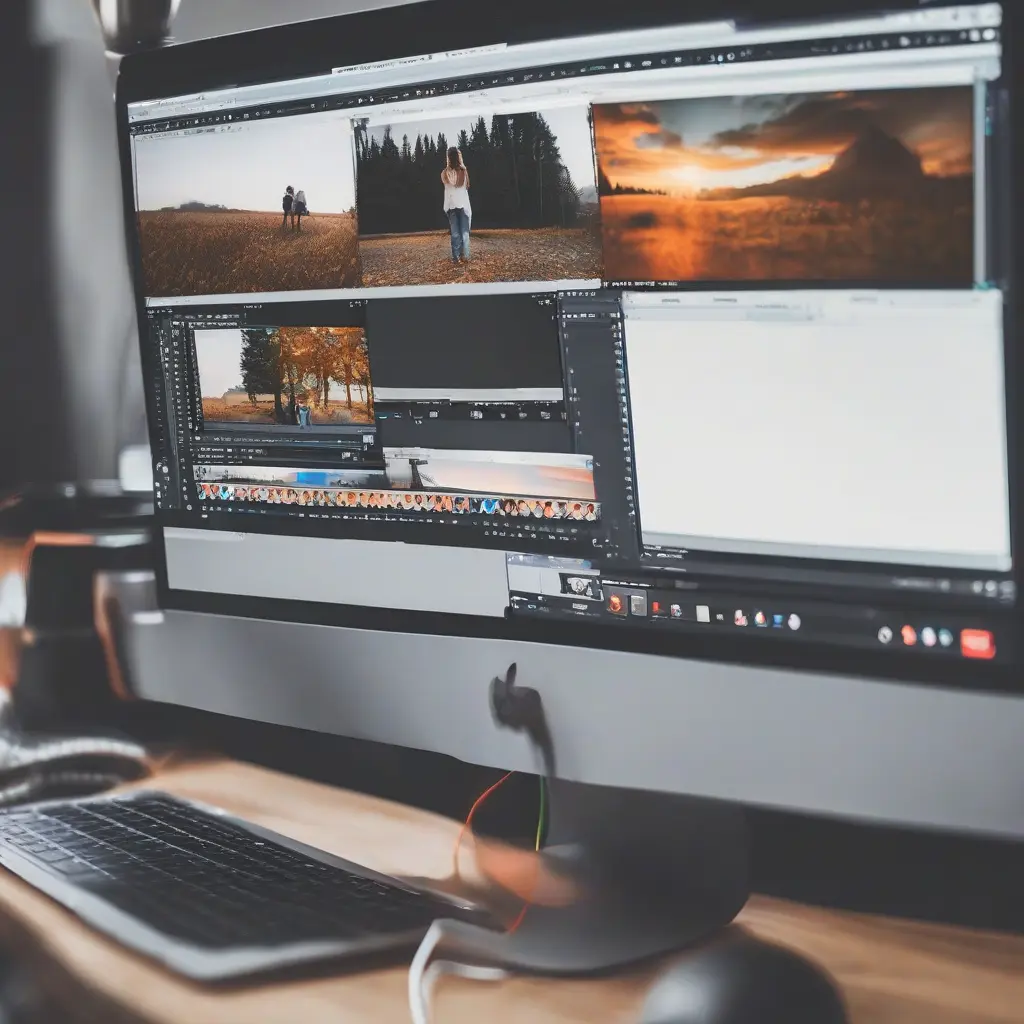
Editing photos and videos can significantly enhance your visual content, making it more engaging and professional. With many free software options available today, anyone can start editing without breaking the bank. This article outlines essential tips for optimizing your photo and video editing experience using free tools. From selecting the right software to mastering basic editing techniques, these insights will help you produce high-quality results that showcase your creativity and attention to detail.
Choosing the Right Free Editing Software
Selecting suitable editing software is crucial for effective photo and video editing. Free options like GIMP for photos and DaVinci Resolve for videos provide robust tools that can rival professional software. It’s essential to assess your specific needs first; for example, if you’re focused on basic edits or advanced features. Look for user-friendly interfaces that offer tutorials, ensuring a smoother learning curve. Reading reviews or exploring user communities can also guide you in finding the best fit for your editing style and requirements.
Familiarizing Yourself with Basic Editing Tools
Before diving into advanced techniques, familiarize yourself with the basic tools available in your chosen software. Common features include cropping, resizing, adjusting brightness and contrast, and applying filters. Understanding these tools allows you to enhance your images and videos effectively. Many free software programs offer tooltips and how-to guides to help you learn efficiently. By mastering the basics, you’ll create a solid foundation for more complex editing tasks in the future.
Utilizing Layers for Advanced Editing
Layers are fundamental to advanced photo editing, allowing you to manipulate different elements independently. Most photo editing software, like GIMP, supports layers, enabling adjustments without impacting the entire image. Explore techniques such as layer masks and blending modes, which can drastically improve your edits. By using layers, you can experiment more freely, creating unique compositions while preserving the original elements of your photo for easy adjustments later.
Incorporating Color Correction Techniques
Color correction is vital in both photo and video editing to enhance the overall visual appeal. Free software typically offers tools for adjusting hue, saturation, and brightness. Learn to use color balance and curves to correct color imbalances or achieve a specific mood. Familiarizing yourself with scopes and histograms can also offer insight into your color accuracy. By effectively applying color correction techniques, you will ensure that your visuals resonate better with your audience.
Adding Text and Graphics Strategically
Incorporating text and graphics can add context and professionalism to your edits. Free software generally includes features that allow you to add titles, watermarks, and annotations. When adding text, consider the typography and color contrast to ensure readability against the background. Utilizing graphics can also elevate your visuals; stick to simple designs that complement your content rather than overwhelming it. By strategically placing these elements, you can enhance storytelling and engagement in your projects.
Exporting Your Final Project Effectively
Once your edits are complete, the next crucial step is exporting your final project properly. Pay attention to the file formats and settings suitable for your intended platform, such as JPEG for images or MP4 for videos. Many free editing tools allow you to customize output settings, including resolution and compression. Optimizing your files for web or social media use ensures faster loading times and better visual quality. A well-exported project will make a significant difference in how it’s received by viewers.
Exploring Tutorials and Online Resources
Leveraging online tutorials and resources can enhance your editing skills exponentially. Websites like YouTube and specialized forums offer a myriad of tutorials, ranging from beginner tips to advanced techniques specific to free software. Engage with community forums where you can ask questions and share your progress. Continuous learning through these resources will not only help you improve your editing skills but also inspire creativity in your projects.
Practicing Regularly to Improve Skills
Practice is essential in mastering photo and video editing skills. Dedicate some time regularly to experiment with different techniques, tools, and styles. You can challenge yourself by editing various types of content or recreating popular styles. Documenting your progress can also show how your skills evolve over time. Frequent practice helps solidify the concepts learned and provides the opportunity to refine your unique style, making you more versatile in your editing capabilities.
Participating in Editing Communities
Engaging with editing communities can provide valuable feedback and foster inspiration. Platforms like Reddit, Facebook, or specialized websites have groups dedicated to sharing work, tips, and constructive critique. These communities are an excellent way to learn from others, discover new techniques, and stay motivated. By sharing your work, you also contribute to the growth of others and build essential networking relationships within the editing world.
Conclusion
Mastering photo and video editing with free software is entirely achievable through dedication and practice. By following the tips outlined in this article—from selecting the right tools to engaging with online communities—you’ll position yourself to create stunning content that captivates audiences. Remember that editing is as much an art as it is a skill, so stay inspired and keep experimenting to enhance your creativity.







