In our fast-paced world, staying organized can often feel like a daunting task. However, utilizing digital reminders can significantly enhance your productivity and help you manage your time more effectively. This guide will explore various methods to create and manage reminders across different devices, ensuring you never miss an important task or deadline again. Whether you are using a smartphone, tablet, or computer, these strategies will help you maintain control over your responsibilities and commitments.
Understanding the Importance of Reminders
Reminders serve as essential tools for organizing tasks and keeping you focused on priorities. They help mitigate the chances of forgetting important deadlines and appointments. By automating reminders, you free up mental space that can be allocated to more complex tasks. Moreover, research indicates that people who regularly utilize reminders report higher levels of productivity. This simple yet effective tool can thus transform not only how you manage tasks but also enhance your overall effectiveness in day-to-day activities.
Creating Reminders on Smartphones
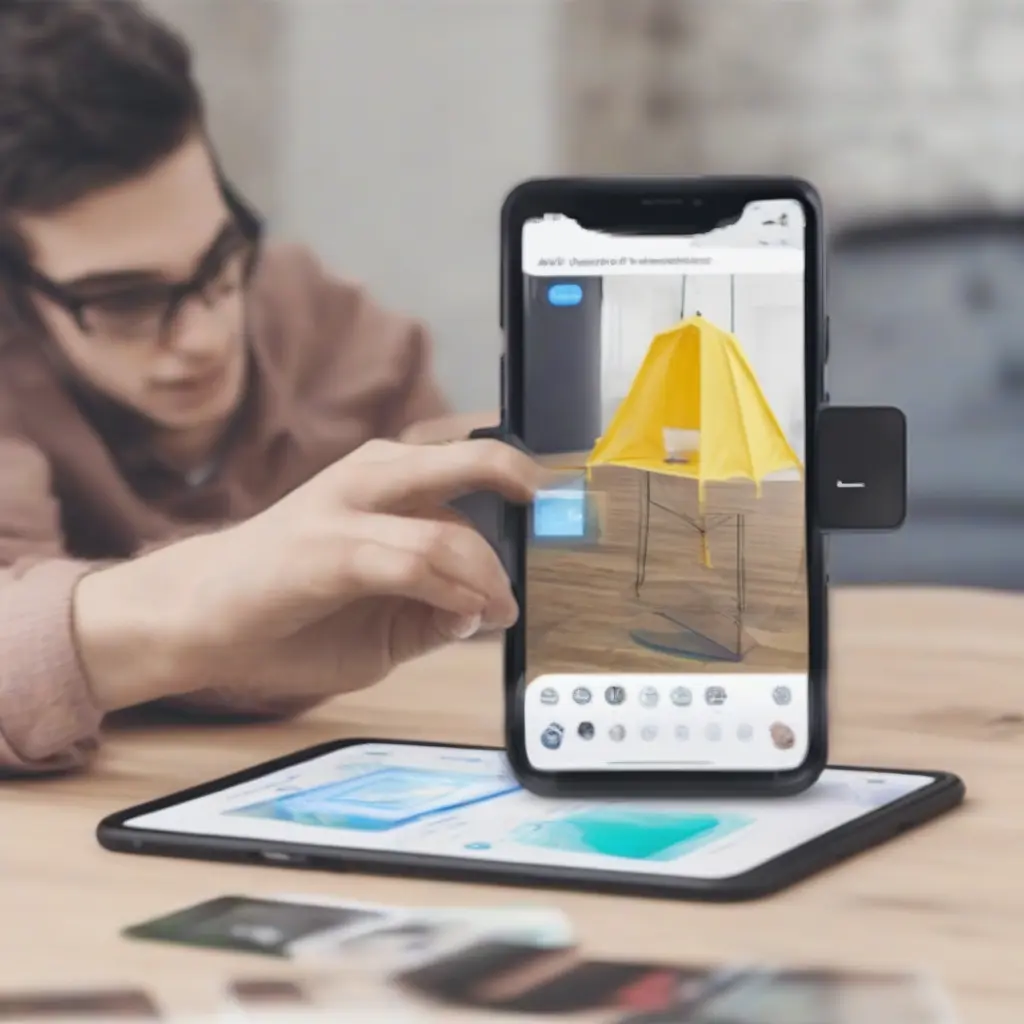
Smartphones have built-in applications designed specifically for setting reminders. For instance, iOS devices come with the Reminders app, while Android users can utilize Google Reminders. To create a reminder, simply open the app, click on the ‘Add’ button, and type in the details of your task. You can set specific dates and times to receive notifications. Additionally, many apps allow you to customize settings, such as adding locations to get reminders whenever you’re in a particular place, further enhancing their effectiveness.
Utilizing Calendar Apps for Reminder Management
Calendar apps, such as Google Calendar and Apple Calendar, are excellent for managing reminders alongside your schedule. When adding an event, you can include reminders that notify you ahead of time. This integration ensures that you stay aware of upcoming tasks while viewing your overall schedule. Furthermore, calendar reminders are often more time-sensitive, making them ideal for appointments and deadlines. Setting multiple reminders for a single event can also help ensure that you are adequately prepared.
Using Voice Assistants to Set Reminders
Many modern devices come equipped with voice assistants like Siri, Google Assistant, or Alexa. Setting reminders using these tools is as simple as using voice commands. You can say something like, ‘Remind me to buy groceries tomorrow at 5 PM,’ and the assistant will confirm the reminder is set. This hands-free approach is particularly useful when you’re busy or multitasking. Voice assistants can also provide updates on your reminders, ensuring you’re kept in the loop without needing to check your device constantly.
Exploring Third-Party Reminder Apps
In addition to built-in applications, numerous third-party reminder apps offer advanced features that can enhance your experience. Applications like Todoist, Microsoft To Do, and Any.do provide robust platforms for managing tasks and reminders. These apps often come with features like collaborative tasks, priority settings, and integration with other software, allowing for a more comprehensive task management experience. By selecting an app that suits your workflow, you can customize how you receive reminders and build a system that works for you.
Setting Up Reminder Alerts
When creating reminders, consider adjusting the alert settings to fit your lifestyle. Most devices allow you to select how you want to be notified, whether through a simple pop-up, sound, or email. For important tasks, setting multiple alerts can help ensure that you remain aware of due dates. Tailoring the notification settings to your preferences can dramatically improve your chances of following through with tasks, as you will receive timely prompts designed to fit seamlessly into your routine.
Using Visual Reminders for Better Organization
Incorporating visual reminders can enhance memory retention and focus. You can use sticky notes on your workspace, designate a whiteboard for important tasks, or employ digital tools like Trello and Evernote to create visual boards. These methods allow you to see your tasks and priorities at a glance, thereby reinforcing your mental commitments. By pairing visual reminders with digital notifications, you can boost your organizational skills and ensure that no important task slips through the cracks.
Syncing Reminders Across Devices
To maintain organization across multiple devices, it’s essential to use cloud-based services that sync reminders automatically. For instance, using Google services allows your reminders to be readily accessible on any device logged into your account. This synchronization ensures that you don’t miss important reminders when switching between devices, whether it’s from a smartphone to a computer or tablet. Cloud services provide the flexibility you need in today’s interconnected world, simplifying task management and increasing your overall productivity.
Overcoming Common Reminder Challenges
Despite their advantages, reminders can sometimes create challenges, such as notification fatigue or missed alerts. One way to combat this is by prioritizing which reminders are truly essential. Overloading your reminder system can lead to frustration and the risk of ignoring notifications altogether. To mitigate this, consider consolidating tasks or setting reminders only for high-priority activities. Regularly reviewing and adjusting your reminder list can further enhance your focus and ensure that your reminders serve their intended purpose effectively.
Conclusion
Effectively managing reminders across your devices can significantly improve your organizational skills and productivity. By utilizing various applications, tools, and techniques, you can tailor your reminder system to fit your personal and professional needs. From understanding the importance of reminders to overcoming potential challenges, this guide provides a comprehensive overview to help you stay on top of your tasks. Embrace these strategies to enhance your efficiency and ensure you never miss a critical deadline again.