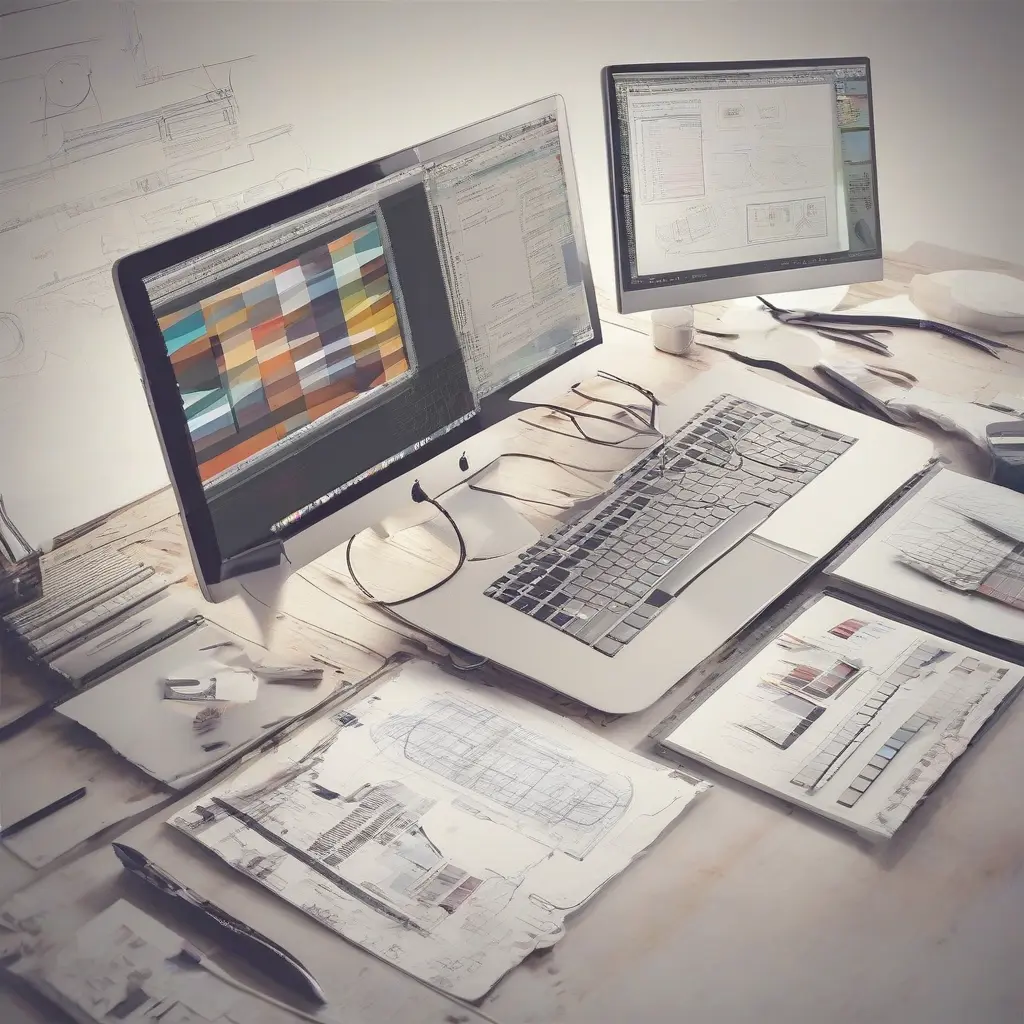
Delving into graphic design software can often feel overwhelming, especially for beginners eager to explore their creative potential. Numerous tools cater to diverse design needs, from simple photo editing to complex vector design and digital illustration. Understanding each software’s capabilities is crucial for making an informed choice that aligns with your objectives. In this article, we will explore some fundamental graphic design software options, their key features, and tips for starting your creative journey. Armed with this knowledge, you’ll be well-equipped to dive into the vibrant world of graphic design.
Why Graphic Design Software is Essential
Graphic design software serves as the backbone of any designer’s toolkit, providing the functionality to bring ideas to life. Whether you are creating logos, brochures, or web layouts, these tools streamline the design process, allowing for precision and creativity. They offer various features such as layering, vector manipulation, and photo editing, which help designers express their unique visions. Furthermore, using quality graphic design software can enhance productivity, enabling designers to work more efficiently while focusing on conceptual development and creativity.
Popular Graphic Design Software Options
Several graphic design software options dominate the market, catering to both novices and professionals. Adobe Creative Suite, including Photoshop, Illustrator, and InDesign, is a standard among advanced designers, recognized for its robust features and versatility. Alternatively, Canva has gained popularity for its user-friendly interface, making it accessible for beginners to create stunning visuals quickly. Additionally, software like CorelDRAW offers a unique set of tools for vector-based design, appealing to those specializing in digital illustrations. Each program comes with its set of strengths and weaknesses, so understanding your specific needs is vital.
Free vs. Paid Graphic Design Software
The choice between free and paid graphic design software can significantly influence your creative experience. Free software options like GIMP and Inkscape provide powerful tools at no cost, making them appealing for beginners on a budget. However, they may have limitations in features and support compared to paid versions. On the other hand, investing in professional software typically comes with greater reliability, updated features, and comprehensive customer support. Ultimately, your choice should depend on your budget, goals, and desired level of complexity in your projects.
Essential Features to Look For
When selecting graphic design software, it’s essential to prioritize certain features that can enhance your workflow. Look for capabilities such as user-friendly interfaces, extensive libraries of templates and resources, and easy export options. Compatibility with various file formats is also crucial, ensuring your designs can be shared across different platforms. Advanced features like layer management, typography options, and integration with other software will further enhance your design experience. By identifying these features, you can narrow down your options to find the right software for your creative needs.
Tips for Getting Started with Graphic Design Software
Starting your journey in graphic design can be exciting yet intimidating, but several tips can help ease the transition. Begin by familiarizing yourself with the chosen software through tutorials and online courses, which are often available for free or at a low cost. Practicing with simple projects allows you to apply what you learn in a practical setting. Additionally, joining graphic design communities can provide inspiration and valuable feedback, helping you refine your skills. Embrace experimentation, and don’t be afraid to make mistakes, as they can be instrumental in your growth as a designer.
Understanding Graphic Design Terminology
Familiarizing yourself with graphic design terminology is vital for effective communication and understanding of software features. Terms like ‘vector’ and ‘raster’ describe different image formats, while ‘RGB’ and ‘CMYK’ refer to color models used in digital and print design, respectively. Knowing terms such as ‘layer’, ‘mask’, and ‘typography’ can help you navigate software menus and tools more efficiently. As with any field, building a solid vocabulary in graphic design will enhance your confidence and facilitate smoother project execution.
Collaborative Design Tools
In today’s digital landscape, collaboration is crucial for successful design projects. Tools that enable multiple users to work on a project simultaneously are increasingly popular. Platforms like Figma and Adobe XD allow real-time collaboration, making it easier for teams to share ideas and feedback instantly. This not only enhances creativity but also streamlines the design process, reducing communication gaps. As you embark on your graphic design journey, consider incorporating collaborative tools to foster teamwork and improve the overall quality of your designs.
Inspiration Sources for Graphic Designers
Finding inspiration is critical to fueling creativity and staying motivated in graphic design. Many designers turn to platforms like Behance and Dribbble, where they can discover stunning projects from others in the community. Social media channels like Instagram and Pinterest also serve as rich sources of inspiration, showcasing diverse styles and trends. Regularly exploring these platforms not only helps refine your own aesthetic but also keeps you updated on the latest design movements. Take time to collect and organize inspiring visuals to serve as a personal reference library.
Conclusion
Embarking on your graphic design journey is an exciting endeavor that begins with understanding the right software. By exploring various options, familiarizing yourself with essential features, and engaging with community resources, you’ll gradually enhance your skills and creative expression. As you build your portfolio and connect with other designers, remember that the key to success lies in continuous learning and experimentation. With dedication and the right tools, you can transform your creative ideas into impressive visual designs.